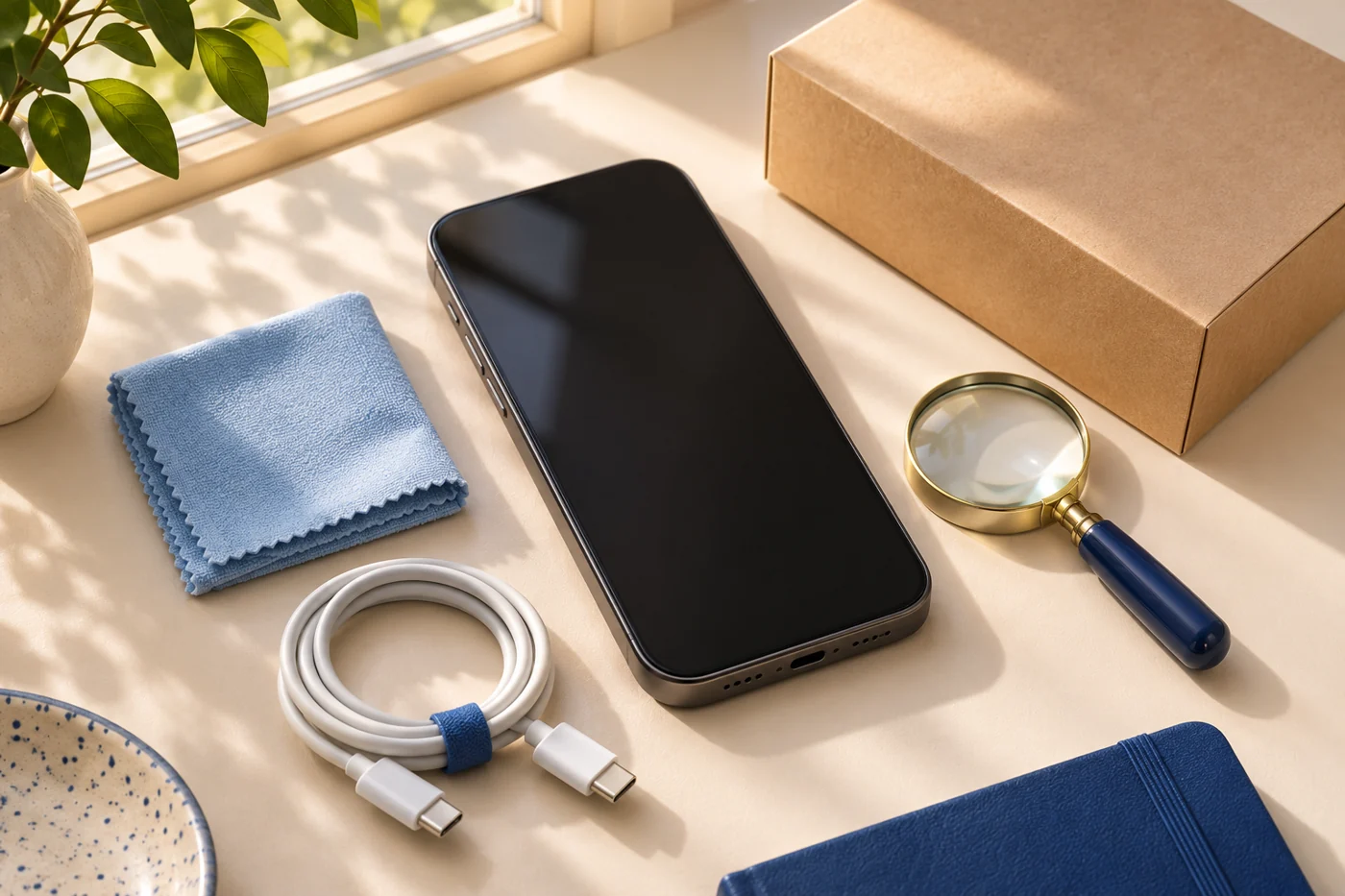
Do not take ownership of an iPhone still protected by the previous owner’s Activation Lock. Confirm the device can complete legitimate setup, then assess condition and the seller’s written terms.
Buying guide · No hands-on test claimedA clean screen makes a strong first impression. It does not tell you whether a secondhand phone can be set up by its next owner. Treat a used-device purchase as a handover with several separate checks, rather than as a quick inspection of scratches.
This guide covers shopping questions, not an authentication service. We have not inspected a particular seller or phone, and a completed checklist cannot guarantee that a private sale will be trouble-free.
Account ownership comes before cosmetic condition.
Apple says a used iPhone or iPad should be erased and no longer linked to the previous owner’s account. Do not take ownership while Activation Lock still protects it. Follow Apple’s current setup guidance; a seller’s promise to remove the lock after the sale leaves an essential step unfinished.
Do not ask for the seller’s account password. They should complete the legitimate removal process themselves. If the handover depends on a workaround or a third party’s claim that they can bypass the lock, stop the purchase rather than treating that as a normal finishing step.
Write the exact offer down.
Record the model, storage, condition description, included accessories and seller identity shown in the transaction. Compare those details with the device you receive. Save the listing and order confirmation in case you need to explain a mismatch.
Separate cosmetic claims from functional claims. “Excellent condition” may be a seller-defined grade. Ask what that grade says about the display, battery, cameras, buttons and repair history. An attractive photograph cannot settle those questions.
Plan a practical inspection.
Before buying, ask how the inspection can be completed and when a return must be requested. On receipt, follow the manufacturer’s normal setup process and check the functions you depend on. Examples include charging, calls on your intended carrier, cameras, speakers, microphones and the display.
Write down any mismatch immediately. Do not wait until the final day of a return window to discover that the seller needs information you have not retained. Keep device identifiers private except where a legitimate seller or support process needs them.
Compare the total deal.
Use an equivalent new or clearly described refurbished option as a reference. Include the accessories you must replace, delivery costs and any expected service expense you have actually verified. Do not insert an imagined repair figure merely to make the comparison work.
For a hypothetical $40 saving, a weaker return process may be an unattractive trade. For a larger saving, you still need to decide what uncertainty you accept. The amount does not make missing ownership information less important.
Know which promise belongs to whom.
A private seller’s description, a marketplace’s buyer-protection rules and a manufacturer’s warranty are different things. Read the terms that apply to the actual transaction. Do not assume that seeing a brand name gives you that manufacturer’s refurbished-program benefits.
If a defined refurbishment program is more suitable for you, read our review of Apple’s published program. It explains the promise while keeping physical testing and policy research separate.
The strongest reason to walk away is an important question the seller cannot resolve before payment. A future bargain will be easier to use than a device whose basic handover is still incomplete.
Sources & research notes
Checklist based on Apple’s ownership-transfer guidance and general shopping principles. Not a physical inspection, warranty interpretation or approval of an individual seller.
Source check: 2026-11-12. Prices, availability and seller policies can change. Read our methodology.
Useful for your next purchase?